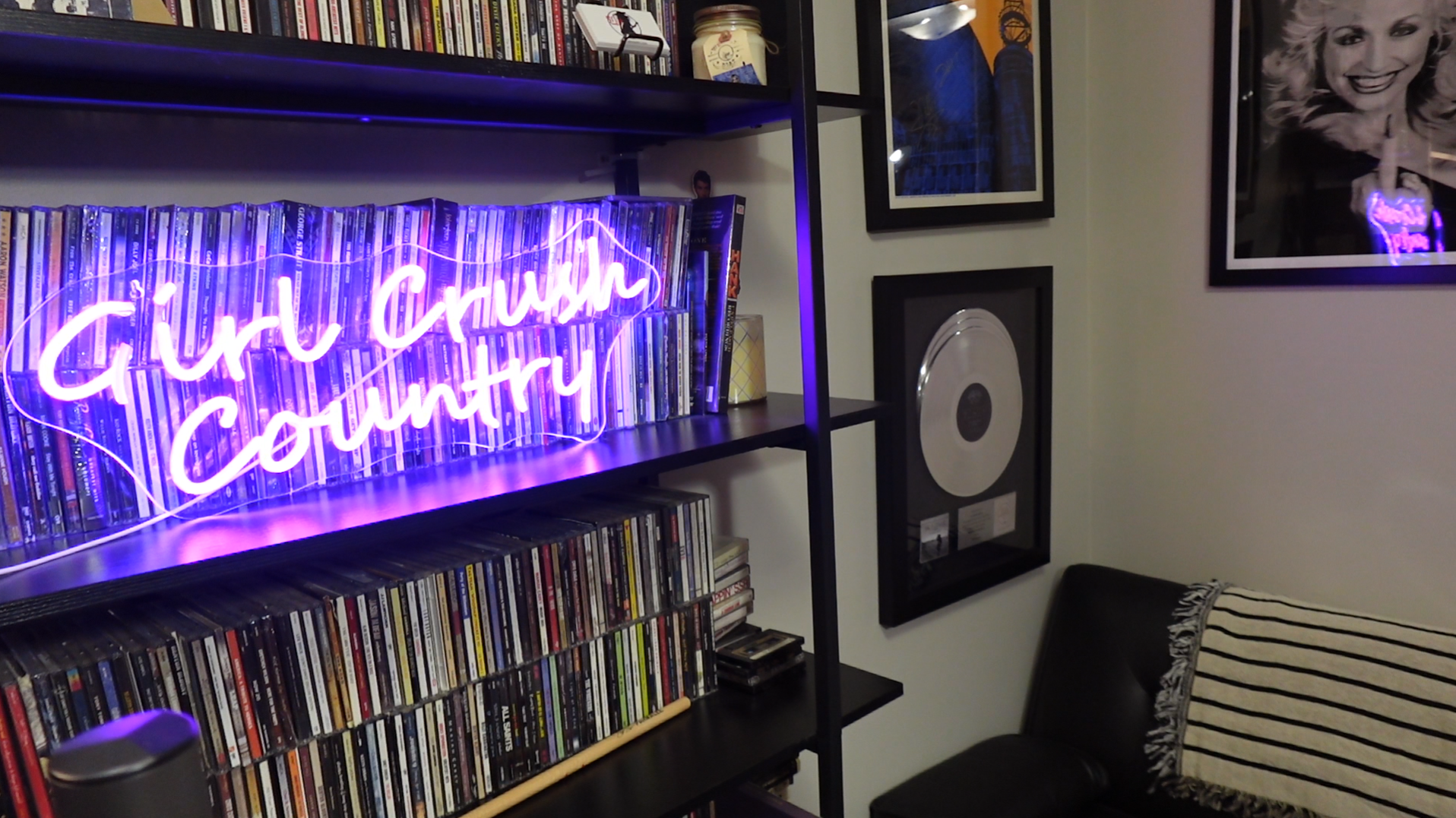
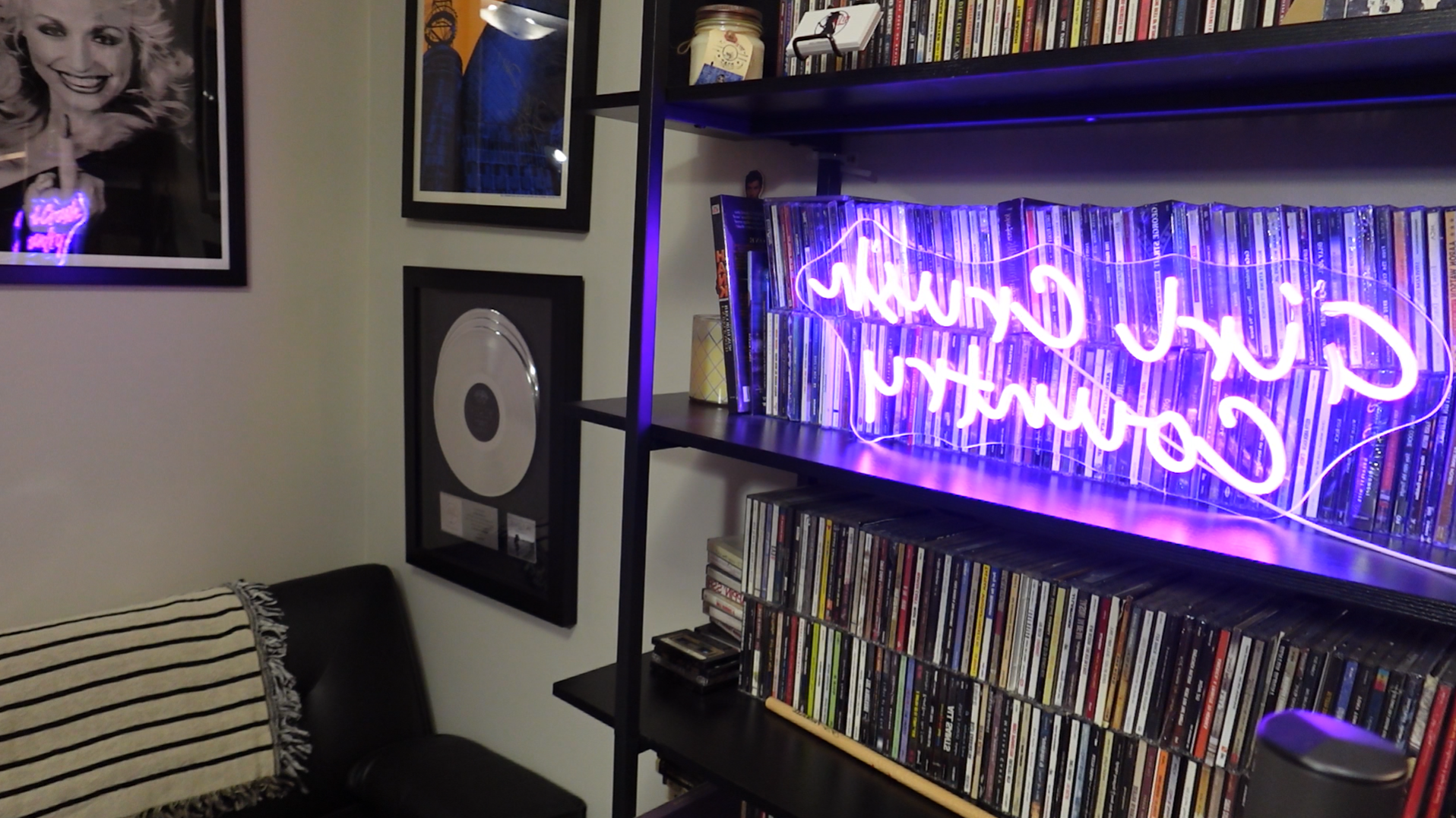
Zoom background images
The interview looks best if your screen is in landscape (wide) mode.
Your camera’s mirror image settings will determine which photo will appear correctly as a background image for Zoom. Please download and try them both to determine which looks right. (Note: it’s usually the one that looks backwards to you that will appear forward in the recording.)
To download: right-click the image, then click “save image as” and choose where to save it.
To use as your Zoom background image, follow the instructions here: https://support.zoom.com/hc/en/article?id=zm_kb&sysparm_article=KB0060387